Use Cases
LinkedIn Headline Formatting
What actually survives in a LinkedIn headline, and what to avoid.
Short answer
LinkedIn accepts styled characters in the 220-character headline, but recruiters search in plain text. Keep your job title and skills ordinary, and use styling only as a separator.

What the field allows
LinkedIn's headline accepts Unicode characters, so bold, italic and small caps all paste in and persist. The limit is 220 characters, and styled characters count exactly the same as ordinary ones.
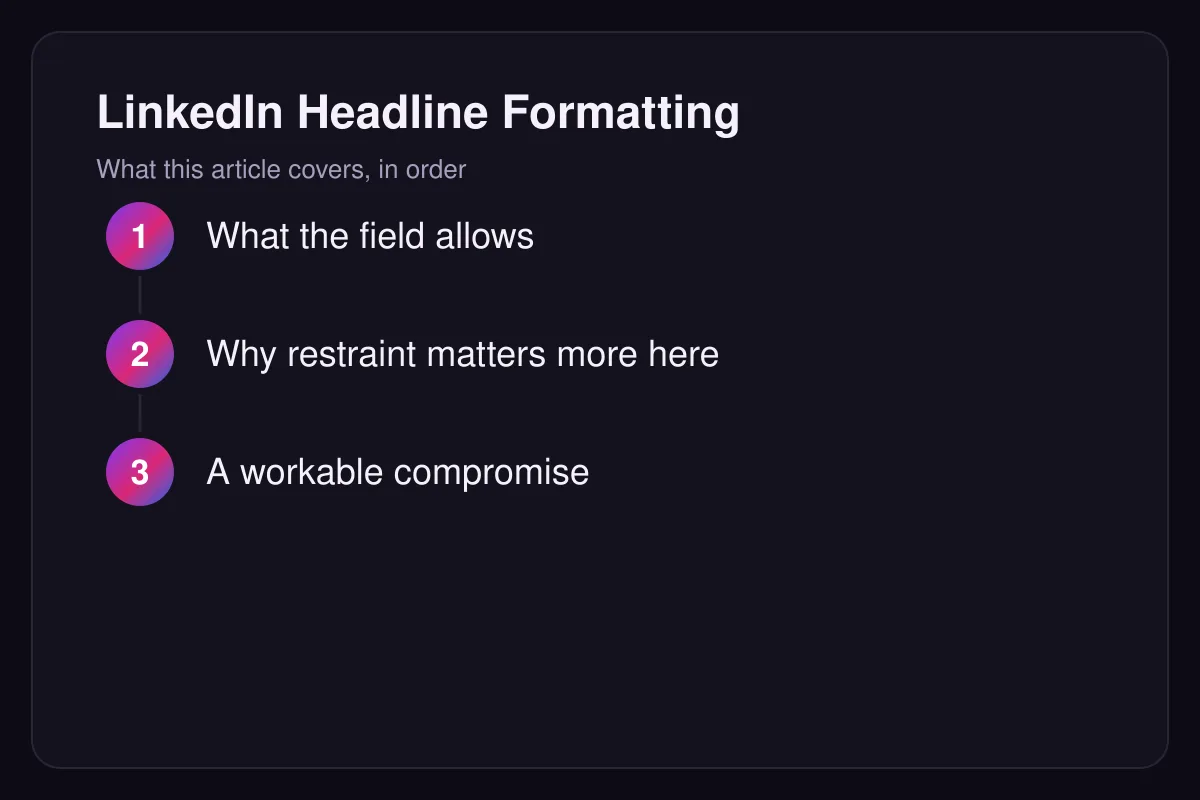
Why restraint matters more here than elsewhere
LinkedIn is a search surface. Recruiters filter by job title, and styled characters are not matched by that search — a headline reading in mathematical bold will not surface for the plain-text query. Anything you want to be found by should stay in ordinary letters.
A workable compromise
Keep the job title and skills plain, and use a single separator character or one styled word as a visual break. You get a headline that looks considered without removing yourself from the results that matter.
A quick sanity check
Search LinkedIn for your own job title and see whether your profile appears. If it does not, the styling in your headline is the first thing to examine — recruiters filter on plain text, and a styled title removes you from exactly the searches you want to be in.