Symbol Reference
At Symbol (@)
Once a commercial shorthand, now the anchor of every email address and handle.
Short answer
Once a merchant's shorthand for “at the rate of”, the @ was chosen in 1971 to separate a username from a host name precisely because it appeared in nobody's name.

Where you'll actually meet it
Beyond email, the at sign prefixes usernames on nearly every social platform, marks decorators in Python, introduces at-rules in CSS, and identifies annotations in Java. Its use as a mention marker is a convention that spread outward from early Twitter rather than anything specified in a standard, which is why platforms still disagree on whether a mention is case-sensitive and whether it must be preceded by a space to register.
Look-alike variants
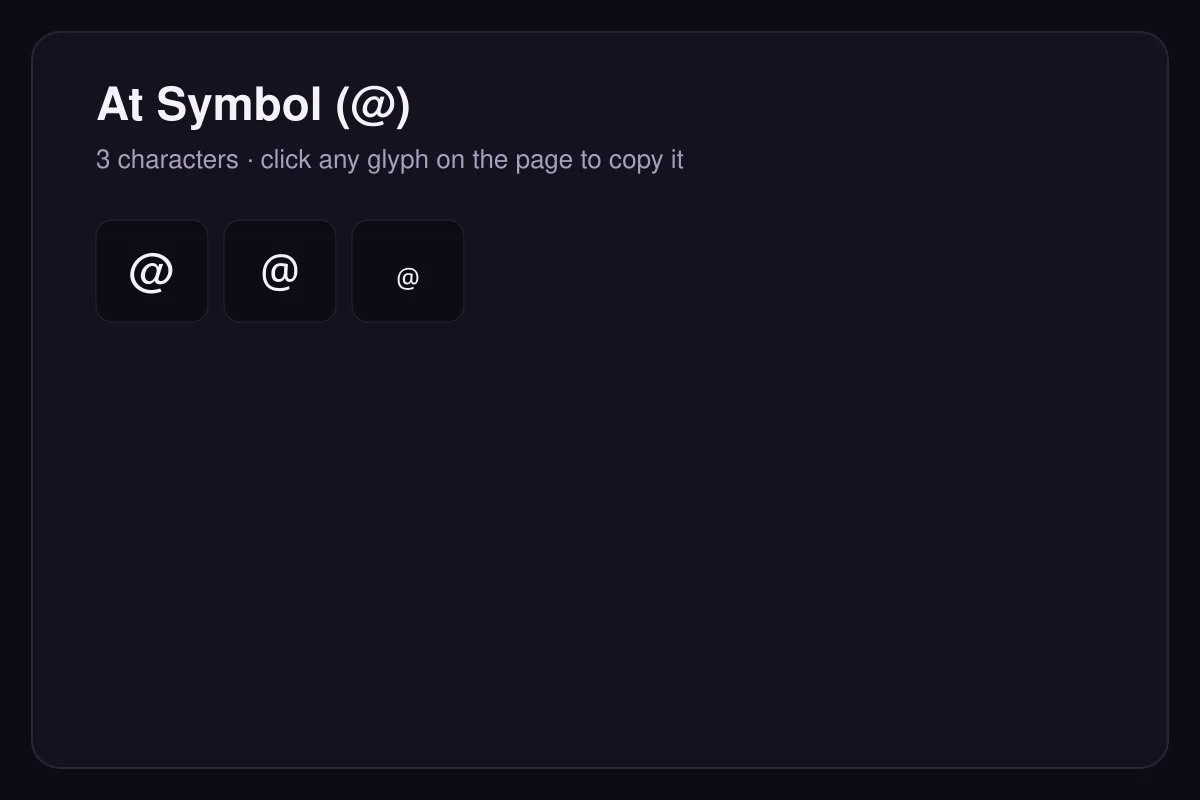
A fullwidth @ (U+FF20) exists for CJK typesetting. The small form ﹫ (U+FE6B) comes from a compatibility block added for round-tripping older East Asian encodings and should not be used in new text.
Origin
Merchants used @ to mean 'at the rate of' — five crates @ ten pounds. It was a quiet corner of the keyboard until 1971, when it was chosen to separate a user name from a host name because it appeared in no one's name.
How to type it
Shift + 2 on a US layout; Alt Gr + Q on many European layouts.
Questions
Why was @ chosen for email addresses?
Can an email address contain more than one @?
How to type it
| Code point | U+0040 |
|---|---|
| HTML entity | @ |
| Windows | Shift + 2 on a US layout, Alt Gr + Q on many European layouts |
| macOS | Shift + 2, or Alt + L on some localised layouts |
| Linux | Ctrl + Shift + U, then 0040, then Enter or Space |
Read next
Sources
- Unicode Consortium — Code Charts
The official code charts for every block referenced here.