Symbol Reference
Check Mark (✓)
The tick used to mark something done or correct.

Where you'll actually meet it
Check marks appear in feature comparison tables, task lists and verification badges. In tables the important thing is pairing the tick with an explicit cross rather than an empty cell, since an empty cell is ambiguous between no and not applicable. For accessibility a bare tick is a poor choice alone, because a screen reader announces the character name rather than the meaning you intended by it.
Look-alike variants
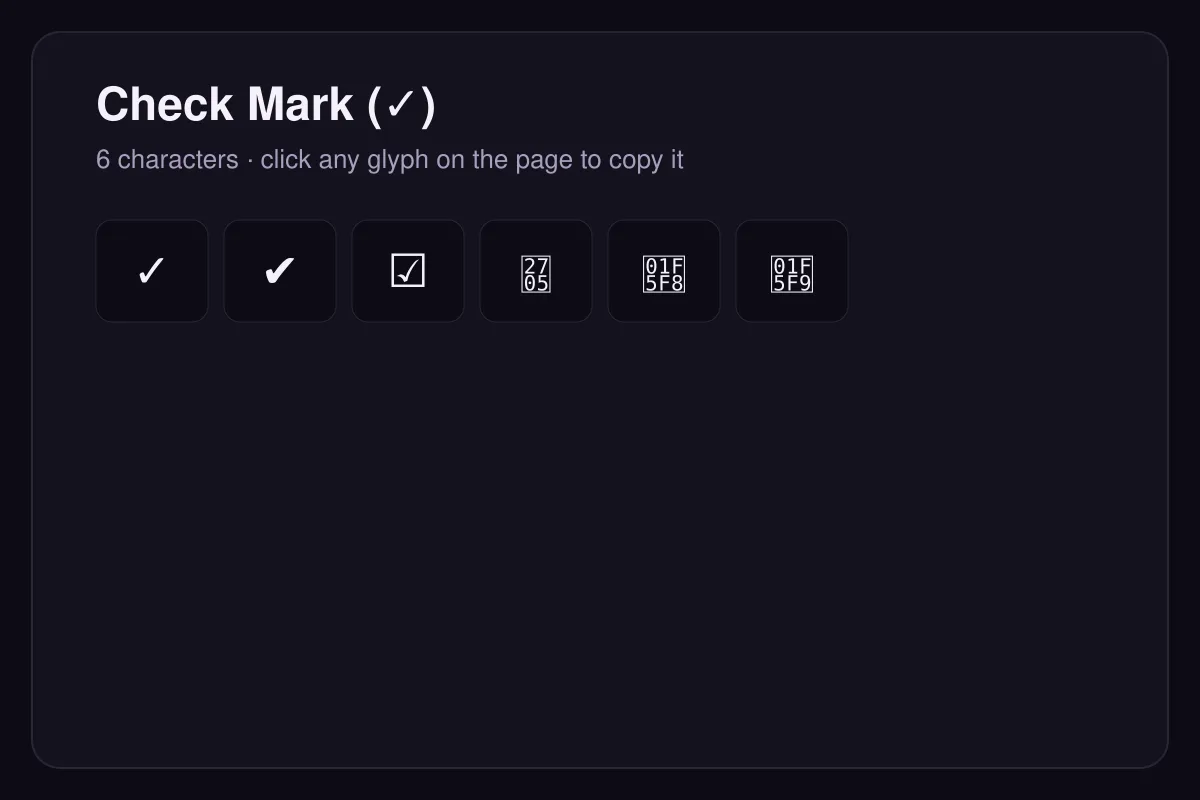
The heavy check ✔ (U+2714) is a Dingbats variant, and ☑ (U+2611) is a ballot box already containing a tick — a single character rather than two. Use the ballot box for checklists so the box and mark cannot separate.
Regional note
The tick means 'correct' across most of the world, but in parts of Northern Europe and Japan a tick has historically marked an answer wrong, with a circle ○ marking it right.
Questions
Does a tick mean the same thing everywhere?
Should I use a tick on its own in a table?
How to type it
| Code point | U+2713 |
|---|---|
| HTML entity | ✓ |
| Windows | Alt + 10003 on the numeric keypad |
| macOS | no default shortcut; use the Character Viewer |
| Linux | Ctrl + Shift + U, then 2713, then Enter or Space |