Symbol Reference
Bullet Point (•)
The dot that opens a list item.

Where you'll actually meet it
The bullet's natural home is a formatted list, but its most common use online is as a workaround — pasted manually at the start of a line in a bio, caption or comment box that strips list formatting. It also works as an inline separator between short items in a byline or metadata row, where a comma would read as part of the content rather than as punctuation between fields.
Look-alike variants
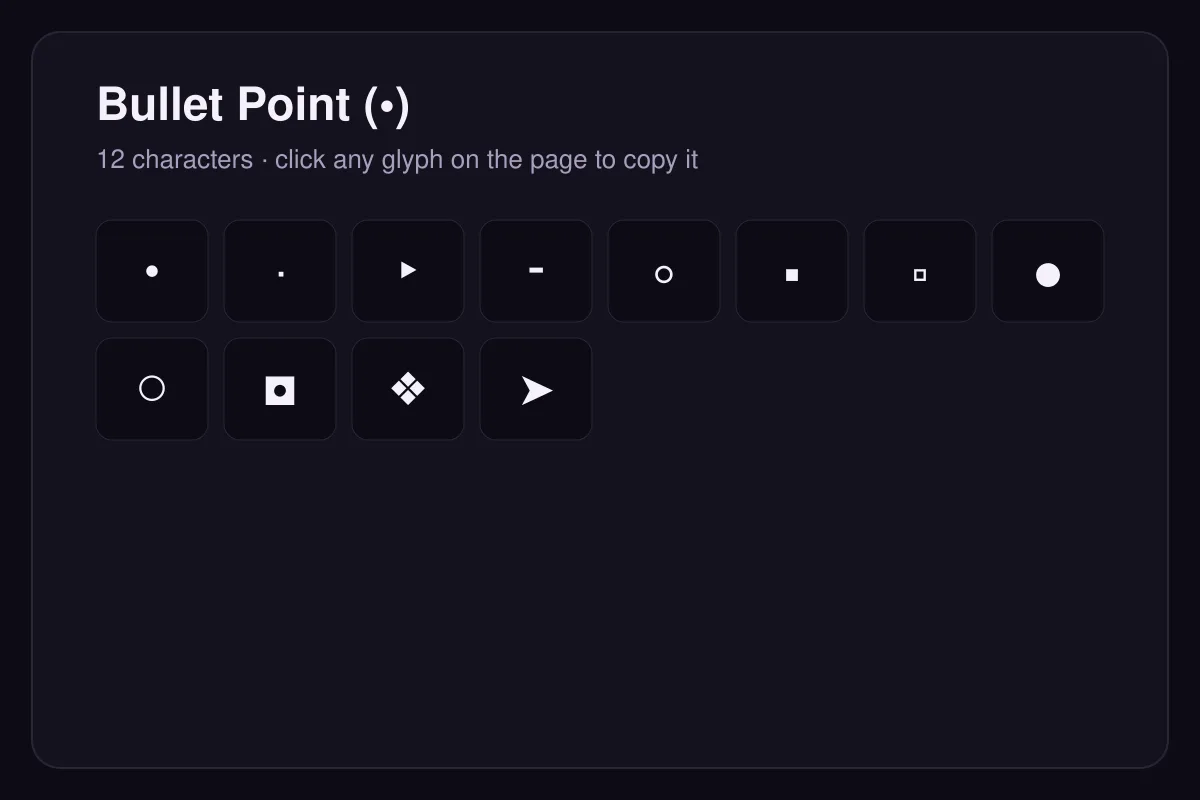
The middle dot · (U+00B7) is a smaller separator used between words, the triangular bullet ‣ (U+2023) and white bullet ◦ (U+25E6) mark nested list levels. Choose by list depth rather than by appearance.
Using bullets in plain text
Apps that strip list formatting — bios, captions, comment boxes — will still keep a literal bullet character, which is why pasting • at the start of a line is the usual workaround.
Questions
Why does my bullet disappear when I paste?
Should bulleted items end with a full stop?
How to type it
| Code point | U+2022 |
|---|---|
| HTML entity | • |
| Windows | Alt + 0149 on the numeric keypad |
| macOS | Option + 8 |
| Linux | Ctrl + Shift + U, then 2022, then Enter or Space |